We now support bulk uploading of email address on PayDashboard. You can access this feature from the Agency Dashboard by pressing CLIENTS and pressing the downward arrow, and then EMPLOYEE MAINTENANCE for the client you would like to carry out the upload for.
On the Employee Maintenance screen you can update personal information for the employees, click UPDATE | EMAIL ADDRESSES | BULK UPDATES. From here we would suggest downloading the template file for you to add the required information for the upload. When ready, upload the file by pressing BROWSE, selecting the file from your device and then UPLOAD.
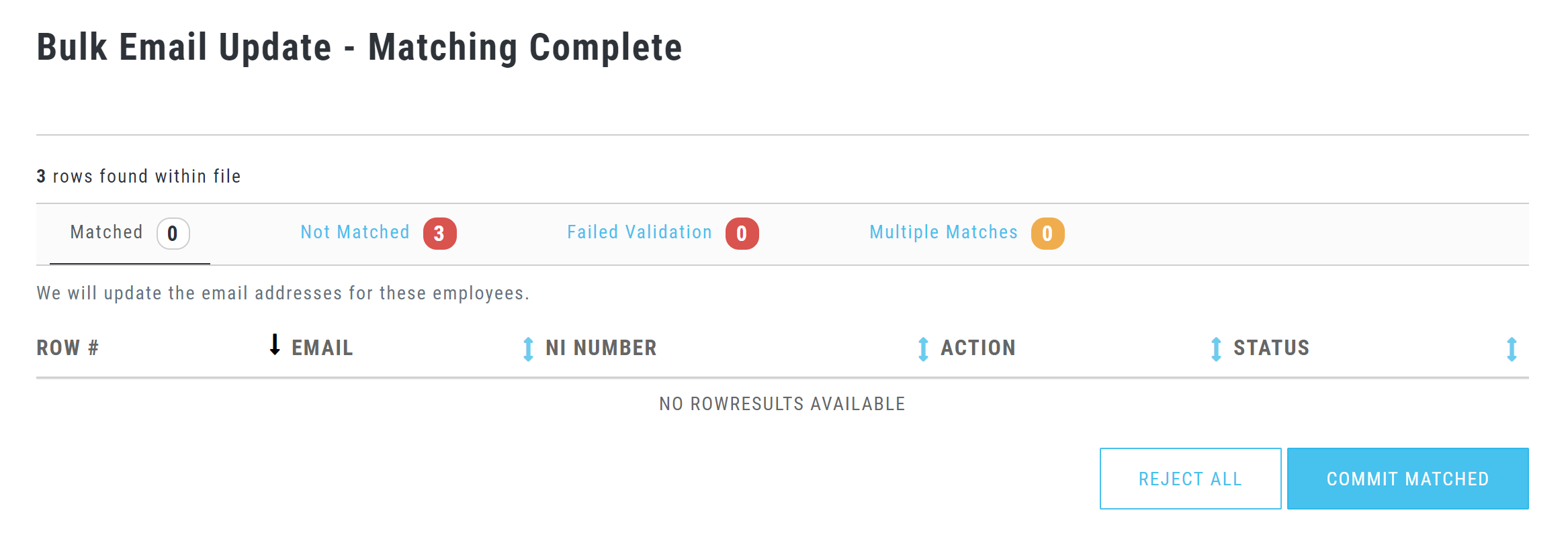
Once the file has been uploaded, you will be presented with the below screen where you can check each field (Not Matched, Failed Validation and Multiple Matches). When ready click Commit Matches.
Employer users with the required permissions can also use this process.