You can split multiple documents in a single PDF file by employee, using one of the following identifier formats in the top right hand corner of each page of the PDF document.
ID: NI_NUMBER
ID: EMPLOYEE_NUMBER
ID: NI_NUMBER-EMPLOYEE_NUMBER
ID:NI_NUMBER – EMPLOYEE_NUMBER
ID: EMPLOYEE_NUMBER-NI_NUMBER
ID: NI_NUMBER-EMPLOYEE_NUMBER
ID: EMPLOYEE_NUMBER
ID:EMPLOYEE_NUMBER
ID: NI_NUMBER
ID:NI_NUMBER
Please note 'ID:' is required prior to the employee data, as above.
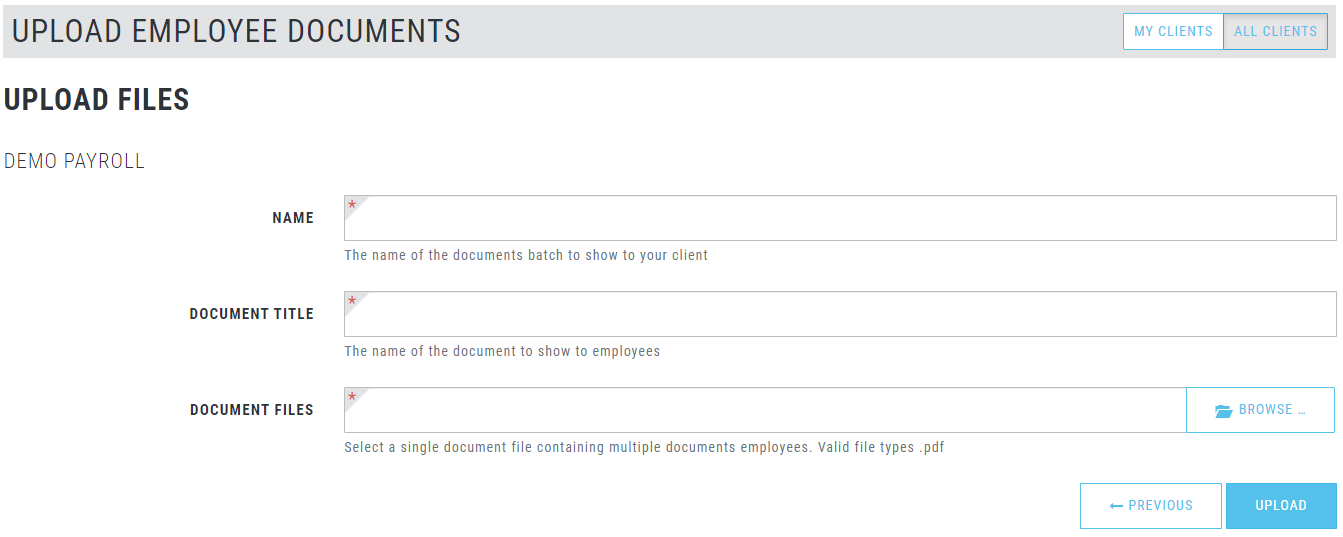
Once you have prepared the PDF document. Select UPLOAD> EMPLOYEE DOCUMENTS > UPLOAD> Split By Employee - UPLOAD.
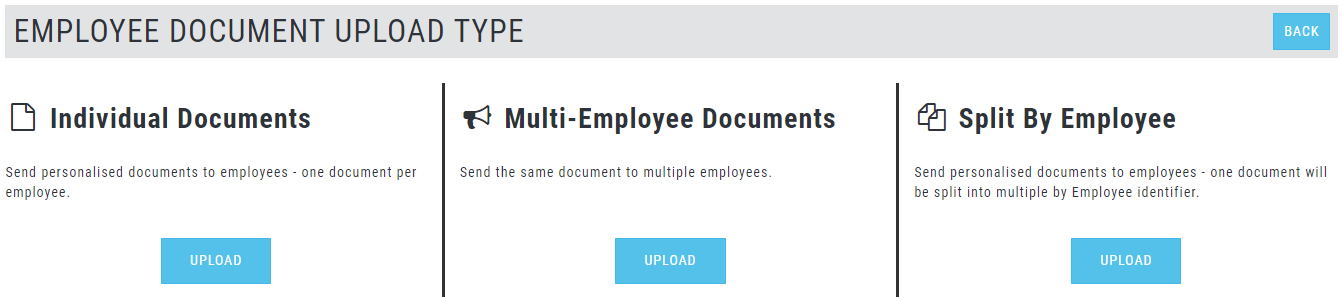
Choose the intended client from your list of clients/payrolls.
Populate the following fields and choose your upload PDF file, then UPLOAD.